Single phone format for all countries
Automatically converts all phones to the same format for Bitrix24 CRM to work correctly when entering Leads and Contacts from different sources
Grátis
Compras no aplicativo
-
Avaliação
-
Instalações224
-
DesenvolvedorFlamix
-
Criado15.02.2023
Descrição
Do customers leave requests on the website or in social networks? Does each manager enter the phone number differently or did you import the contact database with different formats? Our plugin will bring ALL phones into a single format in order to recognize all clients and not multiply duplicates.
For example, the client left the phone 209 123 4567 and called after 10 minutes, where his number was recognized as +1 209 123 4567 - for Bitrix24 these are different numbers, respectively, the client will not be recognized. Our plugin will solve this problem and will automatically monitor the correctness of the phone.
Features:
Pricing (cancel anytime)
Free 30-day trial. Monthly and annual subscription prices.

For example, the client left the phone 209 123 4567 and called after 10 minutes, where his number was recognized as +1 209 123 4567 - for Bitrix24 these are different numbers, respectively, the client will not be recognized. Our plugin will solve this problem and will automatically monitor the correctness of the phone.
Features:
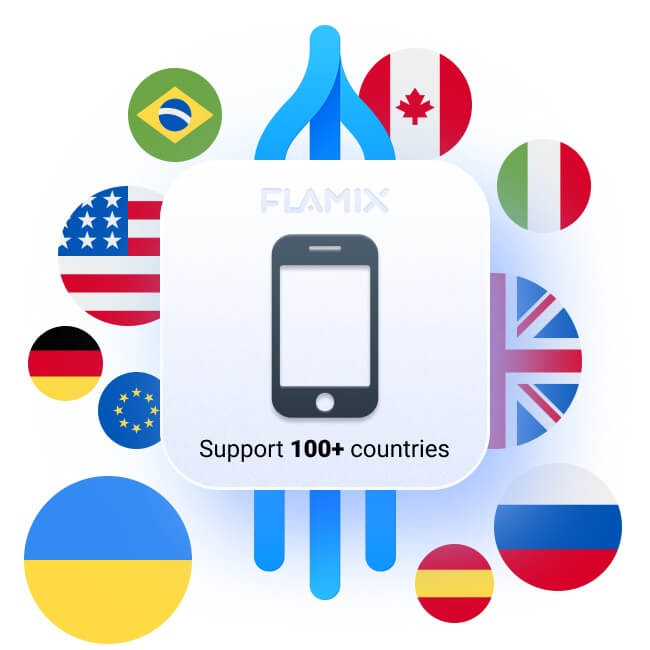
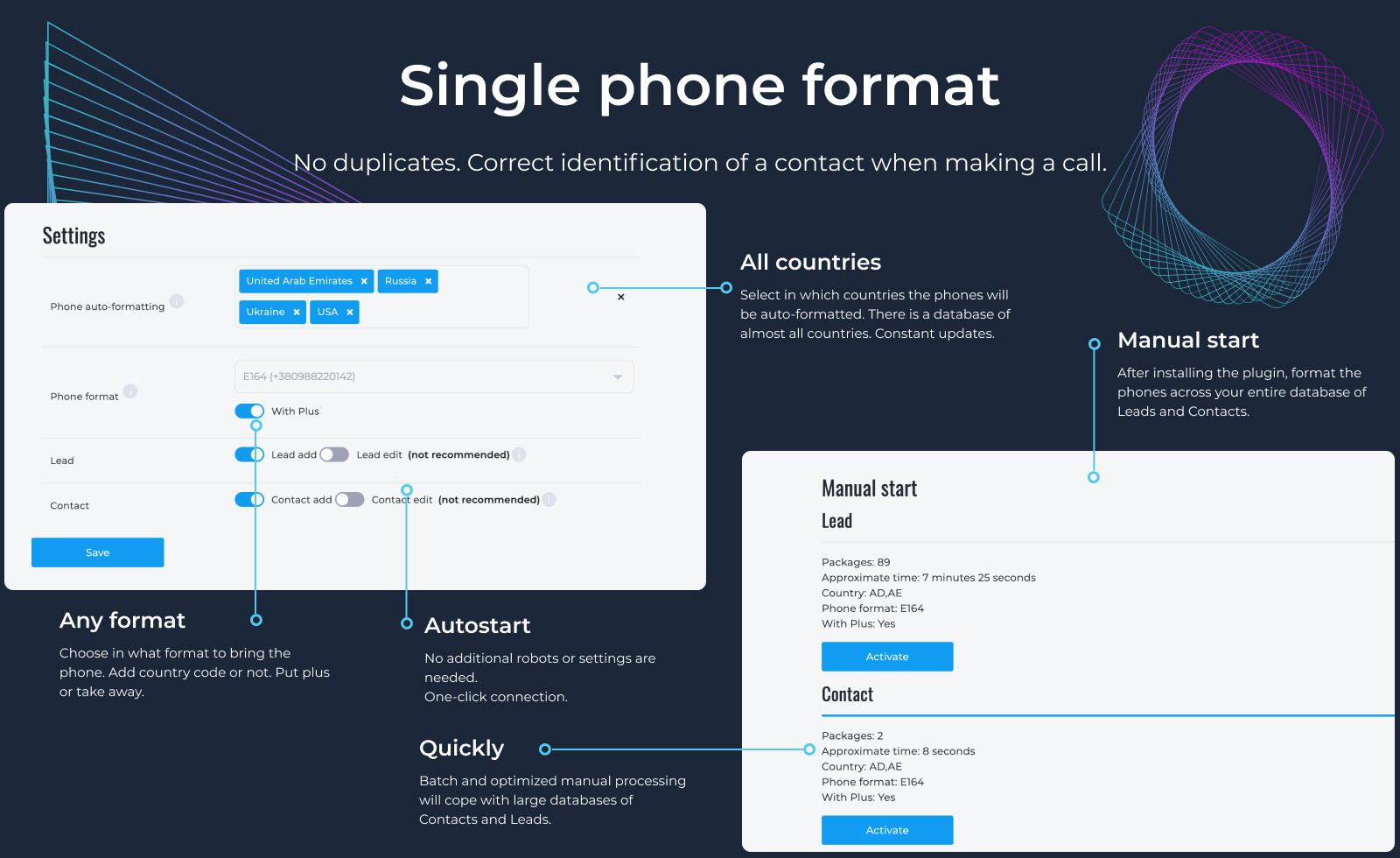
- Support for ALL countries. You can select multiple countries on one Bitrix24 instance;
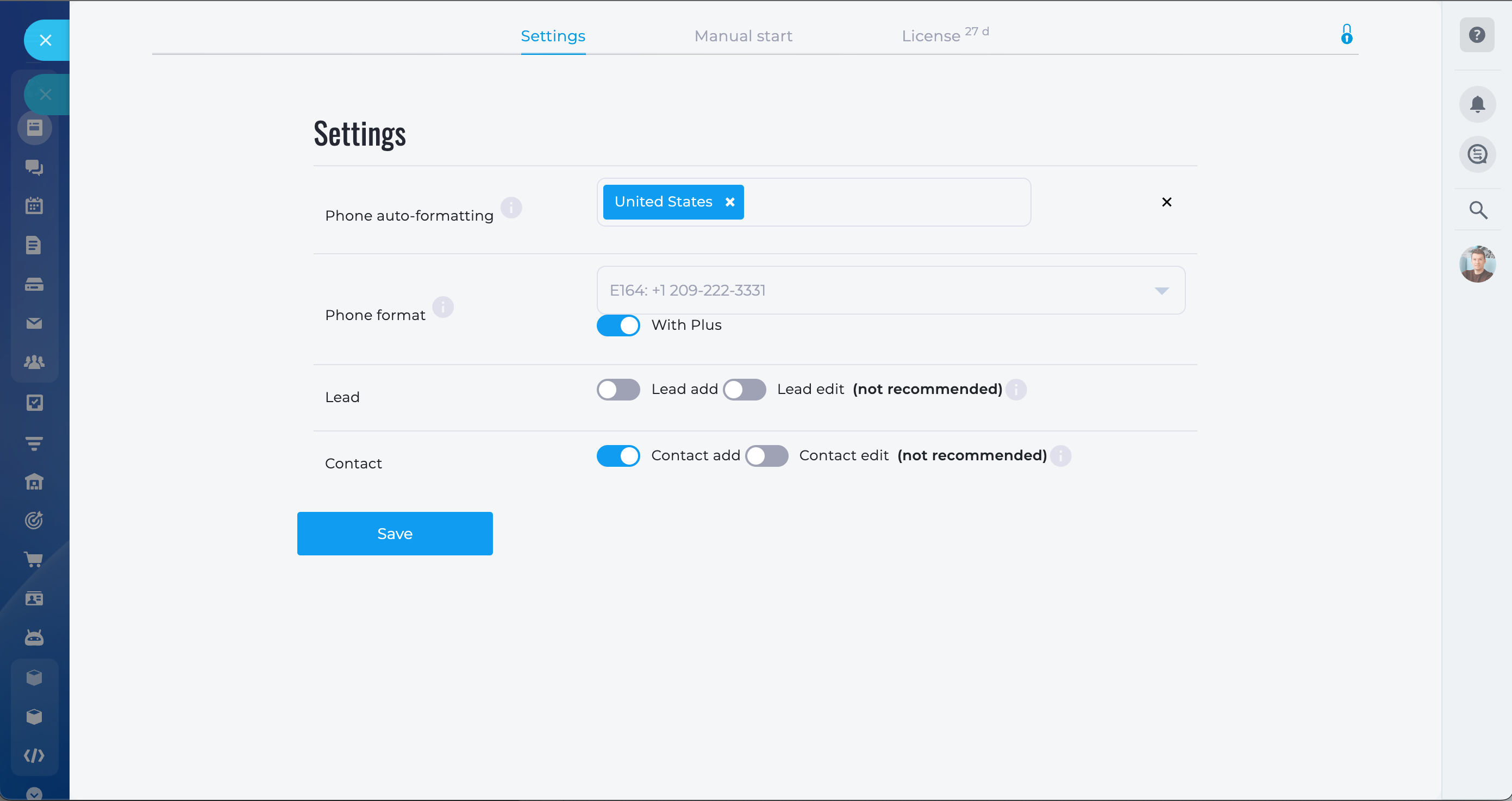
- Ease of setup. No need to create automation rules or workflows, the plugin is activated with one button;
- Performance. The plugin works very quickly and does not make unnecessary requests and checks;
- Formatting the entire database. The plugin will go through the entire database of Leads and Contacts and bring them into a single format.
Pricing (cancel anytime)
Free 30-day trial. Monthly and annual subscription prices.
Histórico de versões
Versão 2 · 15.12.2023


Histórico de versões
Versão 2
Bug Fix: Now, when selecting a lead's responsible person, the user's avatar is displayed correctly. Thank you for helping us improve the app!
15.12.2023


