SarasChatBot
SarasChatBot: Smart AI & Manual Flows for Bitrix24
-
Avaliação
-
Instalações589
-
Desenvolvedor
-
Criado02.06.2025
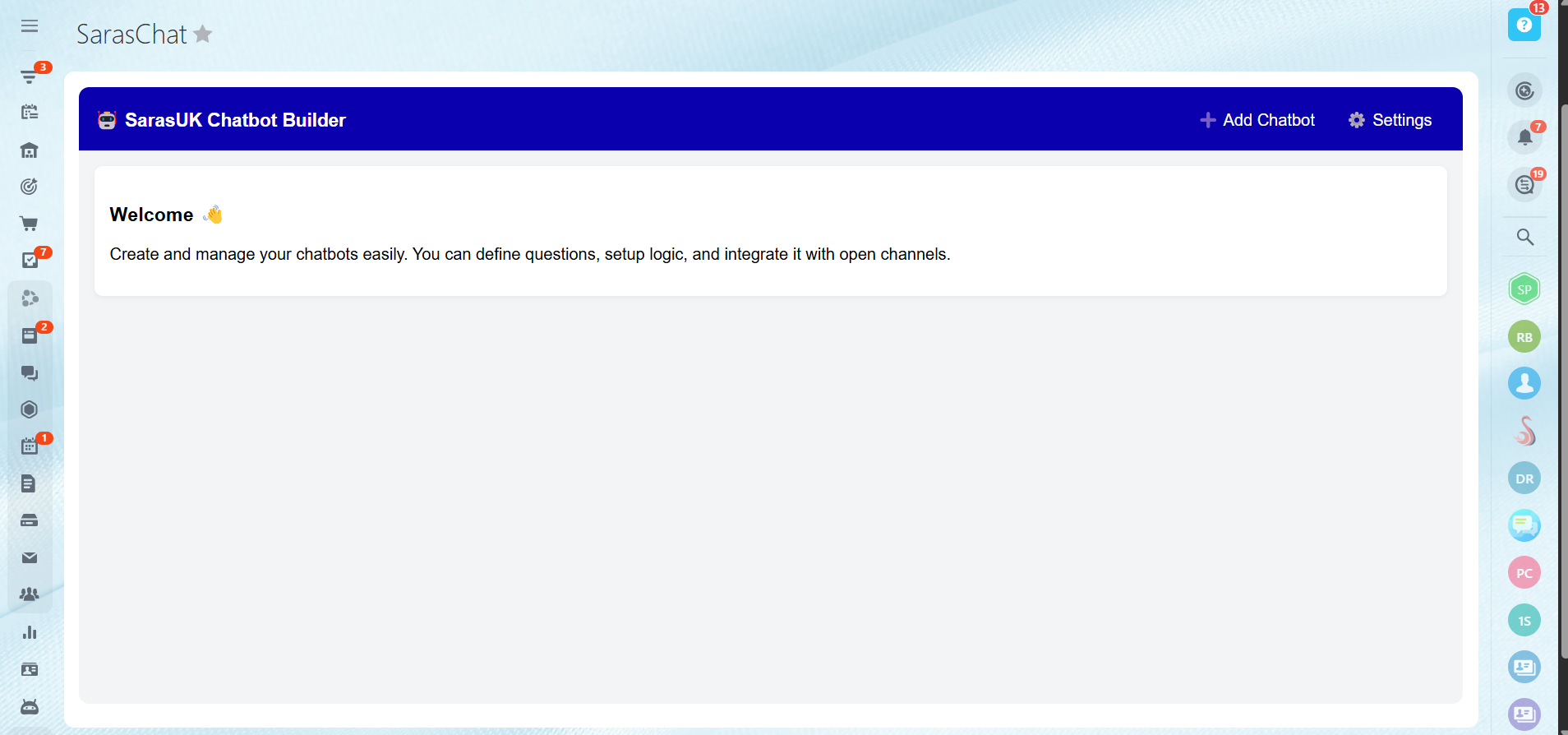
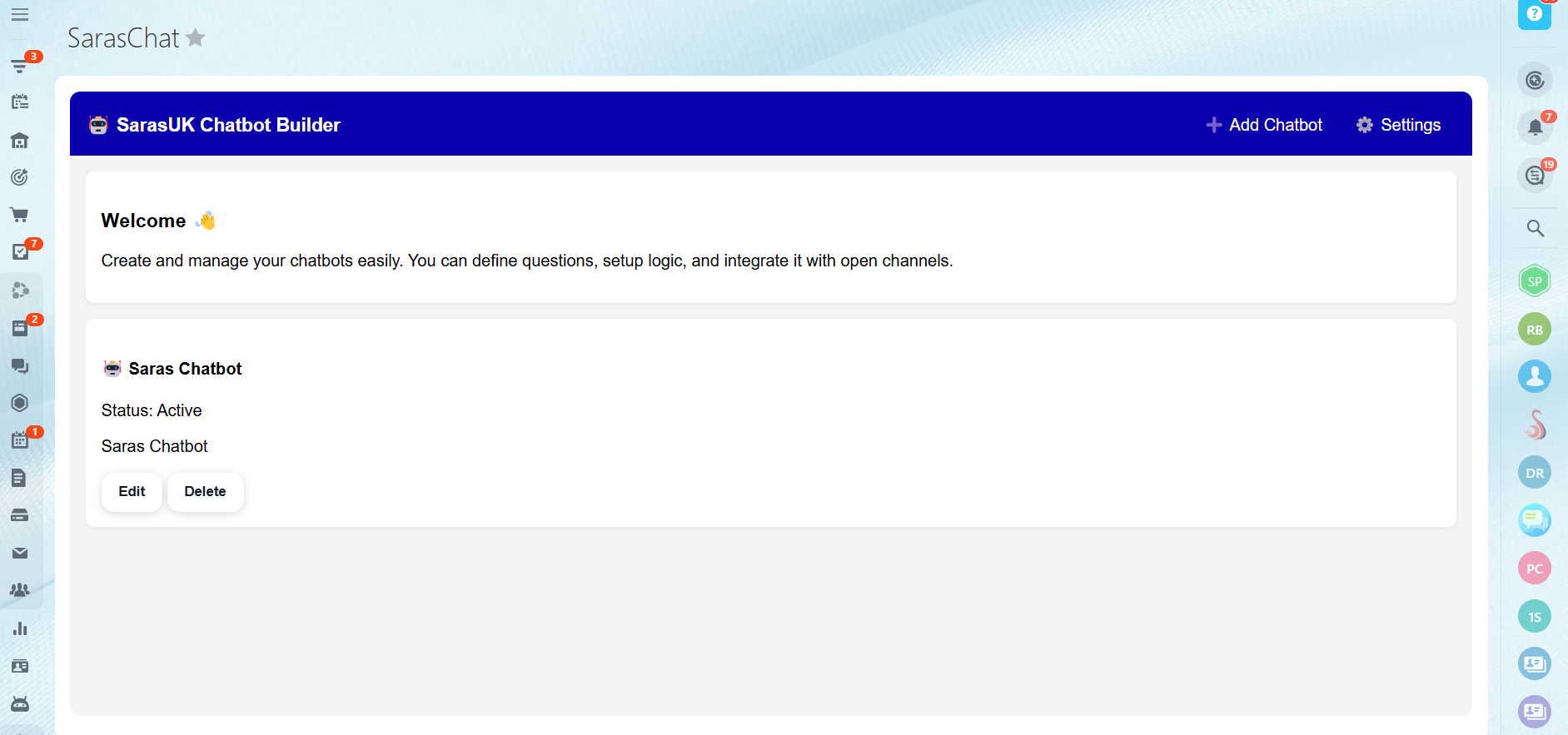
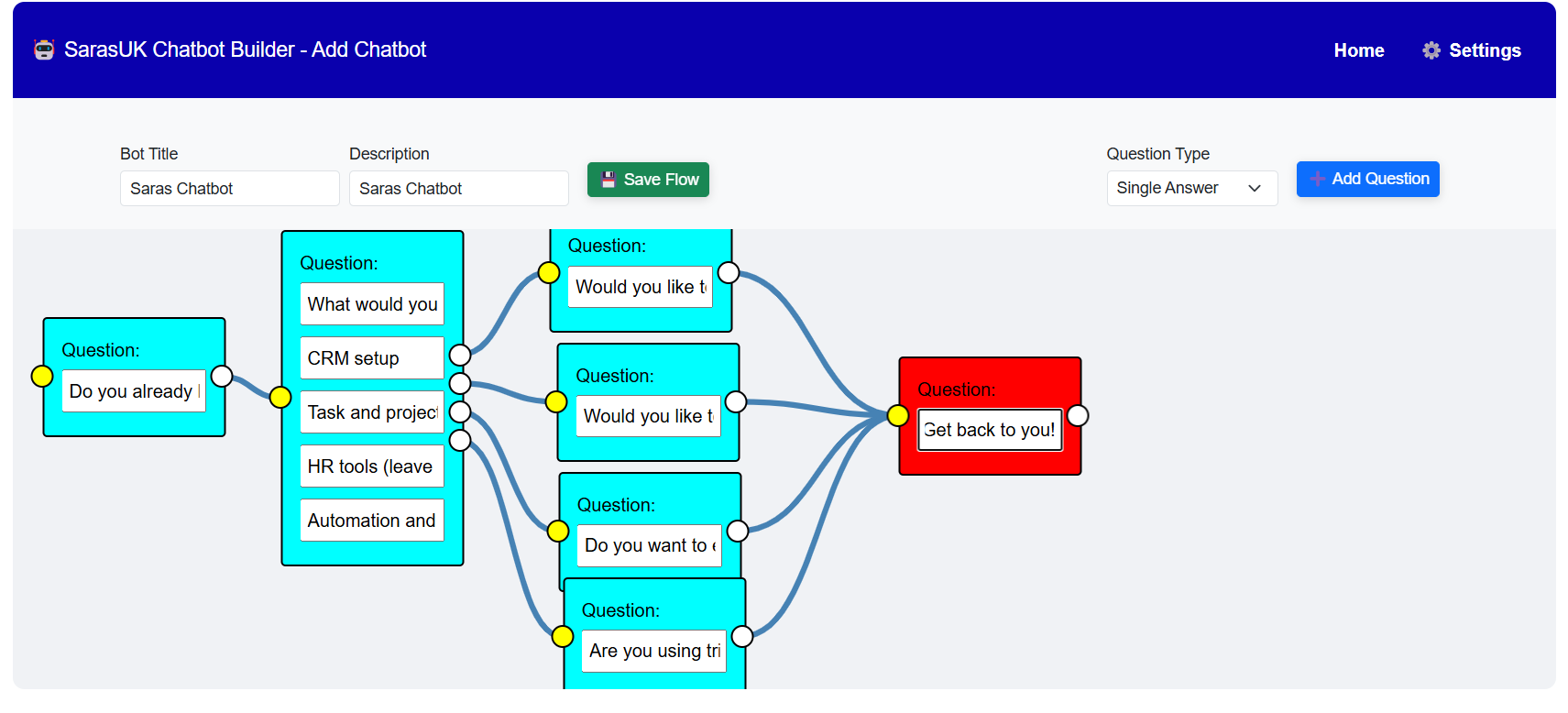
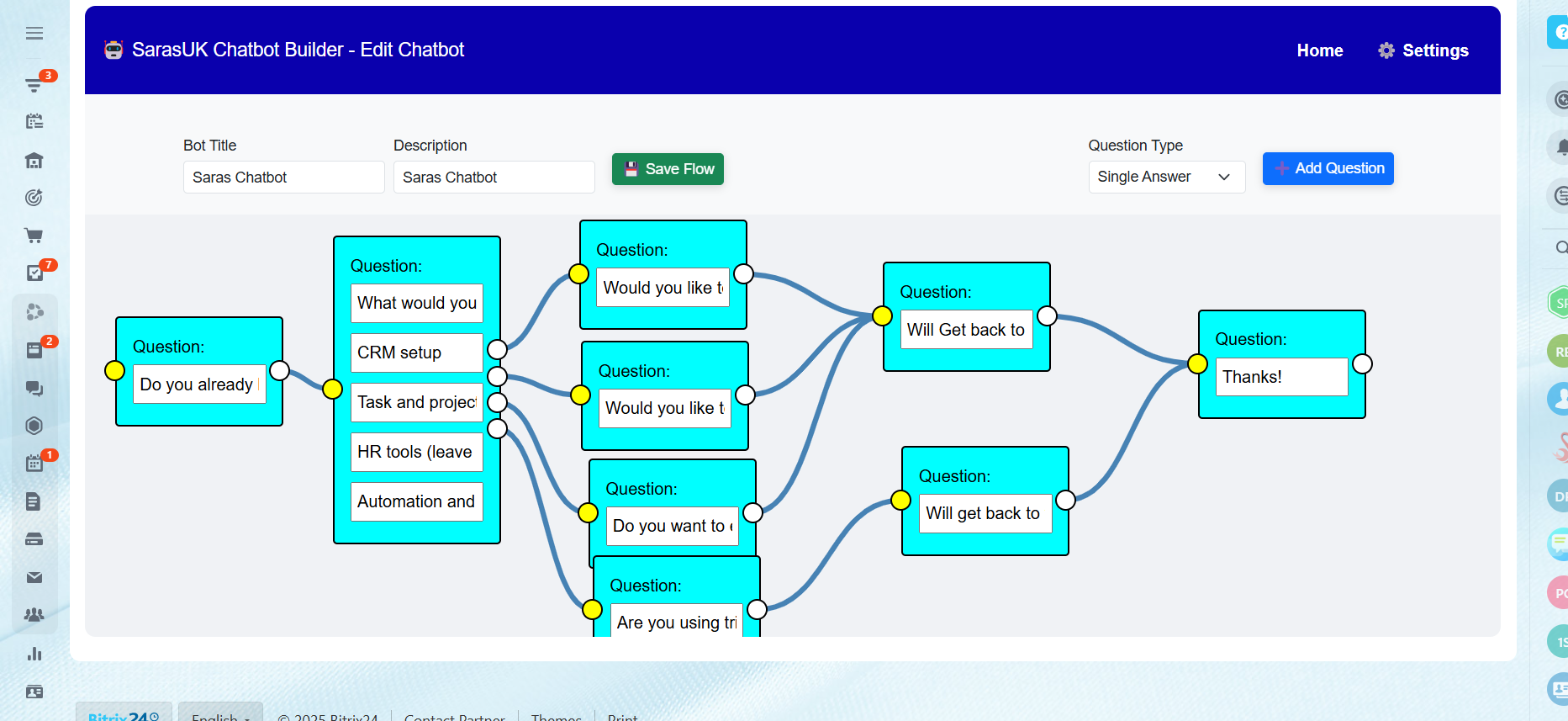
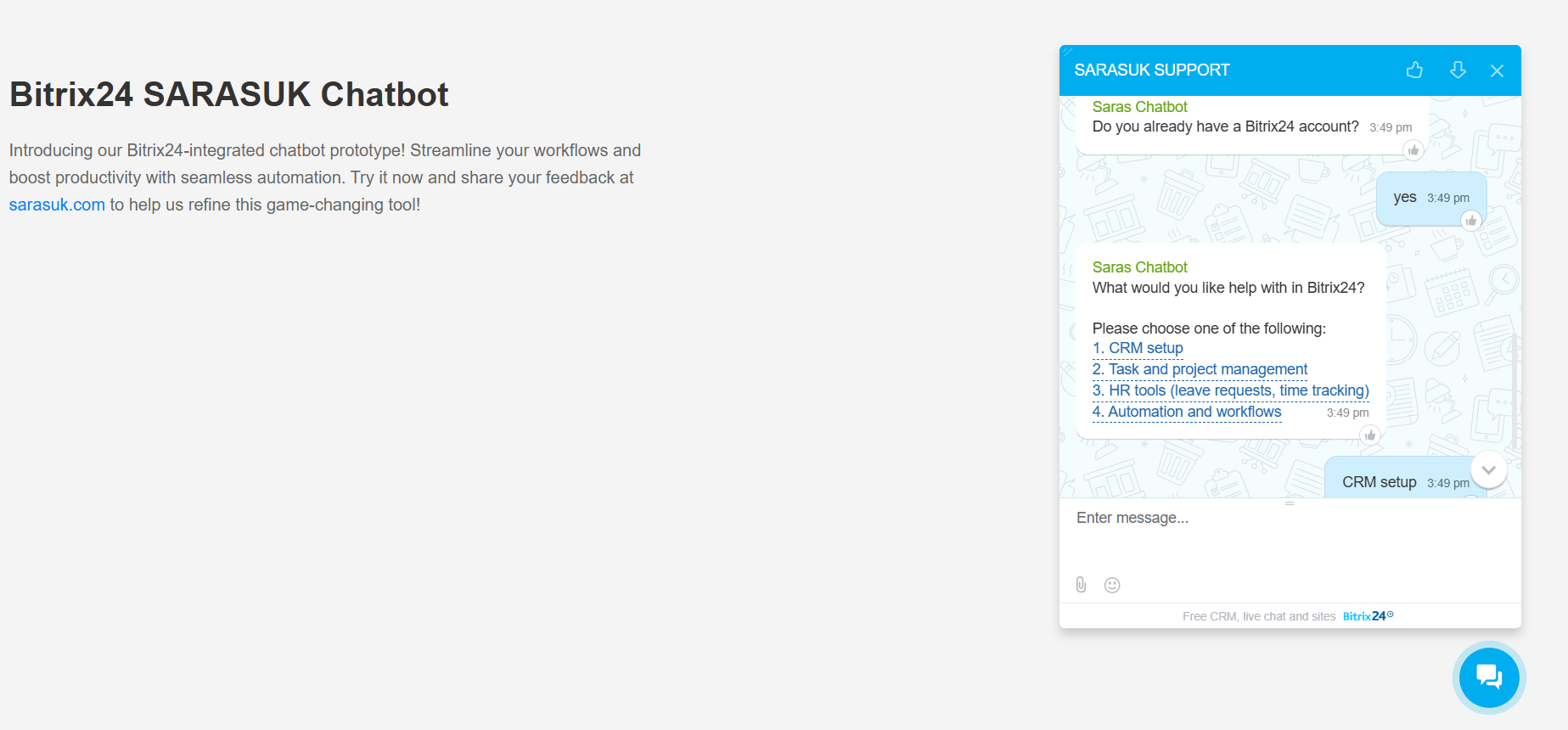
Running a business is busy enough—let SarasChatBot handle the introductions. Designed specifically for Bitrix24 Open Channels, SarasChatBot is the ultimate hybrid solution that combines the "brains" of AI with the reliability of manual chat flows. Whether you need a structured script for lead generation or an intelligent AI to answer complex customer questions, SarasChatBot works alongside your team to ensure no message goes unanswered.
Why choose SarasChatBot?The Best of Both Worlds: Use AI-powered conversations for natural, human-like support, or switch to manual flows for precise data collection and lead qualification.
Seamless Bitrix24 Integration: Built to live inside your Bitrix24 Contact Center, automatically syncing every interaction with your CRM.
24/7 Customer Delight: Reduce response times and keep your customers happy even when your team is offline.
Effortless Setup: Create multiple, customizable conversation paths tailored to your specific business needs without a single line of code.
SarasChatBot isn't just a tool; it’s a digital teammate. From automating routine inquiries to capturing high-value leads, it empowers your business to deliver consistent, personalized engagement at scale. Unlock the true potential of automated messaging and give your team the freedom to focus on what they do best: closing deals and building relationships.
Don't know how to setup? Watch the Video:


Histórico de versões
Versão 3
[*]Implemented additional security improvements to ensure safer and more reliable operations.
[*]Optimized backend processes for better stability and performance.
Versão 2
What’s New in This Version
- In this version, we have introduced the AI Chatbot feature in SarasChatbot.
Manual and AI Chatbot Support
- You can now use both Manual Chatbot and AI Chatbot within the same application. The AI Chatbot can be trained using your company’s data, information, and FAQs to provide smart and accurate responses to users.
Free Access with Limited AI Usage
- The AI Chatbot feature is available for free up to a defined usage limit. API usage limits are applied to ensure fair usage and system stability.
Shared Training Data
- At present, the training data is shared across all AI chatbots. Any updates made to the training data will be applied to all AI chatbots.
Upcoming Enhancements
- In upcoming updates, we plan to introduce subscription plans, separate training data for each chatbot, and enhanced usage controls for greater flexibility.
